SaaS development · · 7 min read
How to Build a Time Tracking App Like Hubstaff: Lessons from Staffvertex
A timer looks like the easy part. It isn't. Here's what building and maintaining Staffvertex taught me about the parts of a time tracker that people actually trust.
 Osama KhattakFull Stack Developer · Published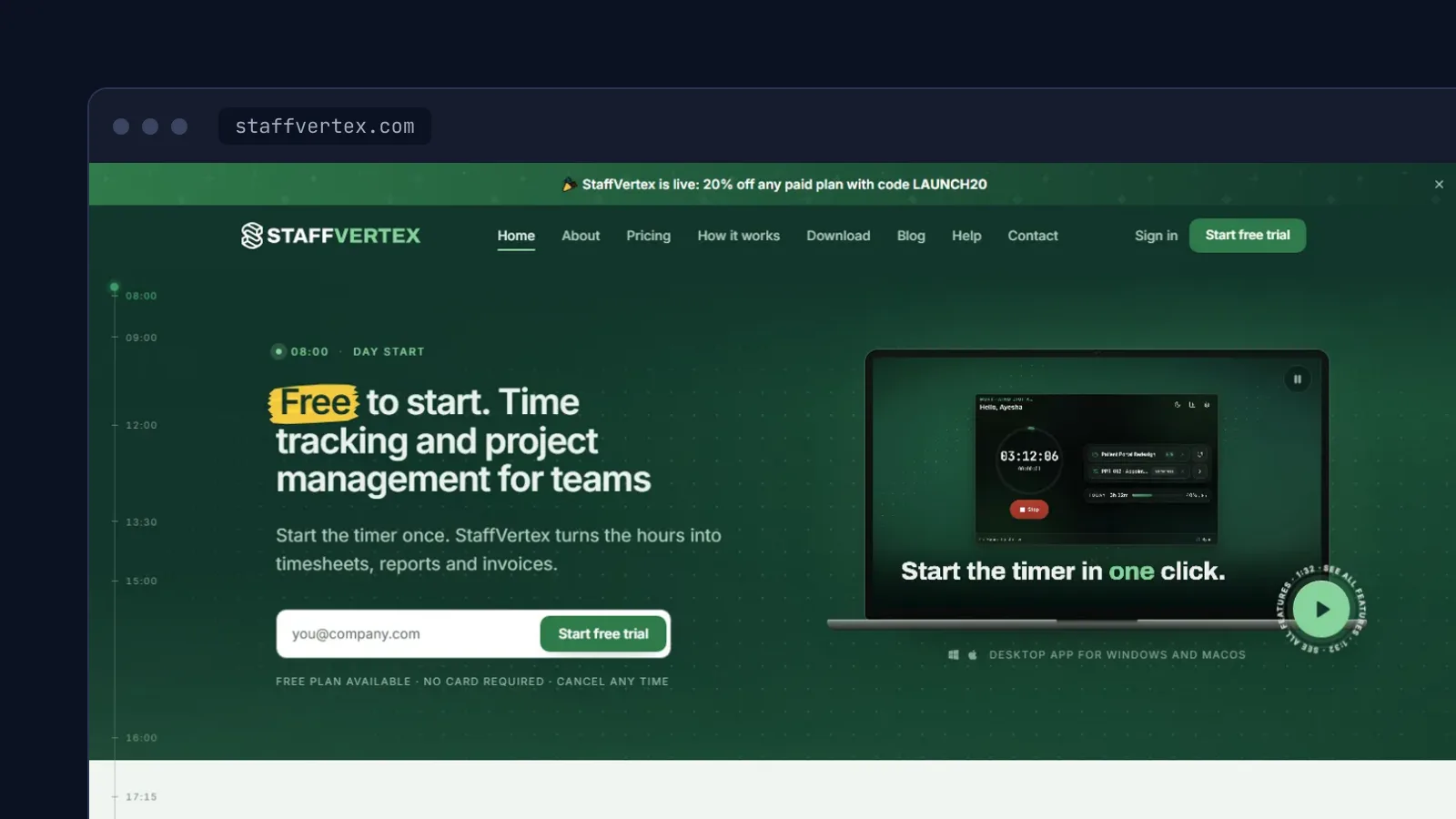
ON THIS PAGE · 9 SECTIONS
Every team that bills by the hour ends up with the same argument sooner or later: someone says they worked six hours, the report says four, and nobody can prove which is right. A time tracking app exists to end that argument. That's a harder job than it sounds.
I build and maintain Staffvertex, a time tracking and project management product in the same category as Hubstaff, made at Alphinex Solutions. This article is what I'd tell anyone who wants to build a time tracking app of their own: what matters, what looks important but isn't, and where the real work hides.
What a time tracker has to get right
Strip away the dashboards and a time tracker makes three promises:
- The hours are correct. Not roughly correct. Correct enough that a client will pay an invoice built on them.
- Tracking costs almost no effort. If starting the timer takes more than one click, people forget, and then they fill in timesheets from memory on Friday.
- It's fair to the person being tracked. If the team feels watched, they'll resent the tool and find ways around it.
Every feature decision comes back to one of those three. When I'm unsure whether something belongs in the product, I ask which promise it serves. If the answer is none, it waits.
The timer is the product
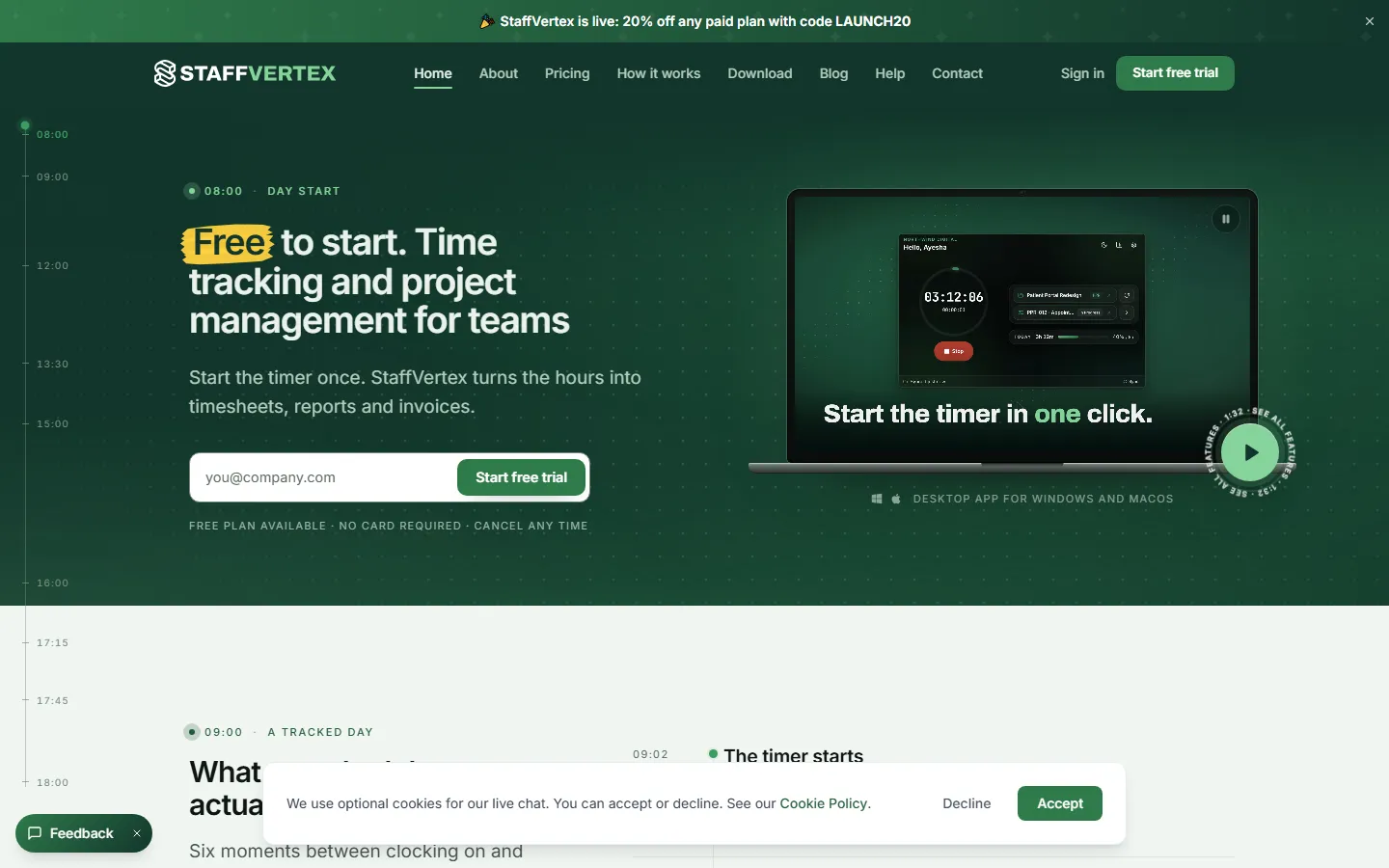
It's tempting to treat the timer as a solved problem and spend your energy on reports. That's backwards. People touch the timer dozens of times a day and open reports once a week. If the timer is slow, fiddly or unreliable, nothing else you build will matter.
A good timer does a few things without being asked:
- Starts from wherever the person already is: the desktop app, the browser, or a global keyboard shortcut.
- Remembers the last project and task, because most people switch far less often than you'd expect.
- Never runs twice. Starting a timer on the laptop should stop the one left running in the browser.
- Shows the running time somewhere visible, so a forgotten timer gets noticed in minutes, not days.
That last point saves more support tickets than any feature I can think of. A timer left running overnight is the most common way hours go wrong, and the fix is mostly visibility.
Offline first, or the hours are wrong
Here's the mistake I see in most first attempts: the app sends a request to the server when the timer starts and another when it stops, and treats the server as the source of truth for everything in between. Then someone tracks a flight, a train ride or just a bad afternoon of Wi-Fi, and their hours disappear.
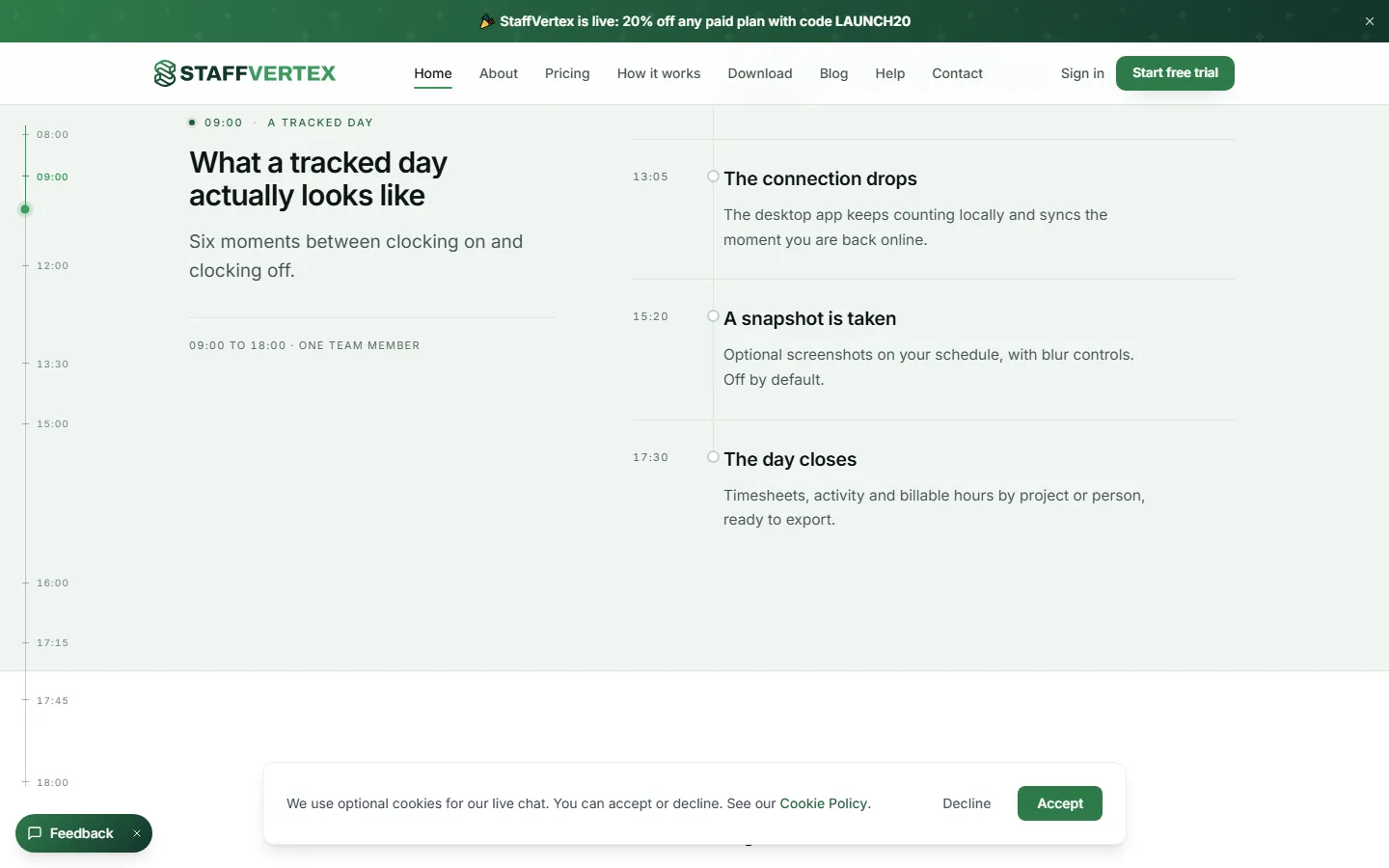
The Staffvertex desktop app keeps counting when the connection drops and syncs about once a minute when it comes back. That behavior is the difference between a tracker people trust and one they double-check against a notebook.
If you're designing this yourself, the pieces are:
- Record time on the device as small, timestamped intervals, written to local storage before anything else happens.
- Send those intervals to the API in batches, each with an id the server can use to ignore duplicates.
- Let the server accept late data. An interval that arrives three hours late is still a real interval.
- Never trust the device clock on its own. Compare it with server time when you can, so changing the computer clock doesn't change the hours. Staffvertex calls this a trusted clock.
Idle time is a policy, not a feature
Detecting that nobody has touched the keyboard or mouse for ten minutes is the easy part. Deciding what to do about it is not, because the right answer depends on the team. A design agency might want idle time thrown away. A support team on calls might want it kept, because talking on the phone looks idle to a computer.
So don't hard-code a rule. Staffvertex lets each team choose whether idle time is kept, discarded, asked about, or whether the timer simply stops. Ask the person first whenever you can. "You were away for 14 minutes, keep this time?" is fair, and it catches the meeting that happened away from the desk.
Screenshots and privacy
Screenshots are the feature buyers ask about and employees dread. I'd build them, because some clients genuinely need proof of work, but I'd build them carefully:
- Off by default. A team turns them on deliberately, and everyone tracked can see that they're on.
- Blur options, so a screenshot can show that work happened without showing private messages or client data.
- Clear retention, so old screenshots are deleted on a schedule instead of piling up forever.
- Honest operating system permissions. On macOS, screen capture requires the Screen Recording permission, so only ask for it when screenshots are actually enabled.
Staffvertex follows that pattern: screenshots are optional and off by default, with blur controls. Activity and app tracking sit in the same bucket. Useful for some teams, invasive for others, so they should be settings, not assumptions.
From hours to timesheets to invoices
Tracked time is raw material. The value shows up when it turns into something a manager or client acts on, and the chain usually looks like this:
- Timesheets. A week of intervals grouped by person and day, with overtime calculated and a way to approve or send back.
- Reports. The same data cut by project, client or task, exportable, and ideally emailed on a schedule so nobody has to remember to run them.
- Invoices and pay. Hours multiplied by the right rate. Rates differ per person, per project and sometimes per client, so model them as their own records with start dates, not as one number on the user.
Staffvertex covers all three, along with project expenses. If you're building a smaller tool, I'd still design the data with invoices in mind from day one. Retrofitting rates onto months of existing time entries is painful.
A data model that survives edits
People edit their time. They forget to start the timer, they log a meeting after the fact, they split two hours across two projects. Your data model has to handle that without losing what originally happened.
Whether you use MongoDB or a relational database, a few decisions hold up well:
- Store intervals, not totals. Each time entry has a start, an end, a user, a project and optionally a task, all in UTC. Durations are calculated, never stored as the only record.
- Record the source. Desktop, web, mobile or manual entry. Managers reasonably want to know which hours were added by hand.
- Keep an edit history. When someone changes an entry, keep the old values. It settles disputes and it catches bugs.
- Index for the questions you ask most. In MongoDB, a compound index on user and start time covers "my week", and one on project and start time covers project reports.
- Store the user's time zone with the entry. A day boundary means midnight where the person is, not midnight on the server.
Choosing the stack
A time tracker is really three apps that share one API: the web app where people plan work and read reports, the desktop app that does the tracking, and the API with its database in the middle.
For the web app and API, the MERN stack is a natural fit. Time entries, projects and teams map cleanly to MongoDB documents, Express and Node.js handle a busy API comfortably, and React is a good match for the timer and board interfaces. Staffvertex's web app runs on Next.js, which adds server rendering for the public marketing and pricing pages, the pages that need to rank on Google.
The desktop app is its own project. Browser tabs get throttled and closed, so serious tracking needs a desktop client. Staffvertex ships for Windows and macOS. Plan for code signing, auto-updates and the operating system permissions from the start, because each one takes longer than it looks.
Should you build your own?
If you just need your own team to track hours, don't build anything. Use an existing tool. Staffvertex has a free plan for a single user, and so do several of its competitors.
Building makes sense when one of these is true:
- Time tracking is the product you want to sell.
- Your workflow is unusual enough that existing tools fight you, such as a specific approval chain or payroll rule.
- You need tracking built into a product you already have, for example a marketplace that bills clients by the hour.
In those cases, start small: the timer, offline sync and a weekly timesheet. Get those trusted first. Screenshots, invoices and integrations can follow once people rely on the core.
If you're planning a SaaS product like this and want someone who has built one end to end, see how I work on MERN stack projects or tell me what you're building. You can also look at Staffvertex itself to see these ideas running in production.
Written by Osama Khattak
Full-stack developer at Alphinex Solutions, building Staffvertex. I take on freelance projects and I'm open to full-time remote roles. More about me
Questions about this topic
How long does it take to build a time tracking app?
A web-only first version with a timer, projects and basic reports can be built in a few weeks. A product that competes with Hubstaff, with desktop apps, offline sync, idle detection, screenshots and invoicing, takes months and then needs ongoing maintenance.
Can you build a time tracking app with the MERN stack?
Yes. MongoDB, Express, React and Node.js cover the web app and API well. You will still need a desktop app for reliable tracking, which is usually built with Electron or a native toolkit and talks to the same API.
Do time tracking apps need screenshots?
No. Many teams never turn them on. If you offer them, make them optional, off by default, and give people a way to blur or delete them.