Lead generation · · 5 min read
Contractor Website Design: How an Instant Quote Form Wins More Leads
Most contractor websites ask visitors to call for a price, and most visitors leave instead. An instant estimate changes that. Here's how I approach it, from building Carports Hawaii.
 Osama KhattakFull Stack Developer · Published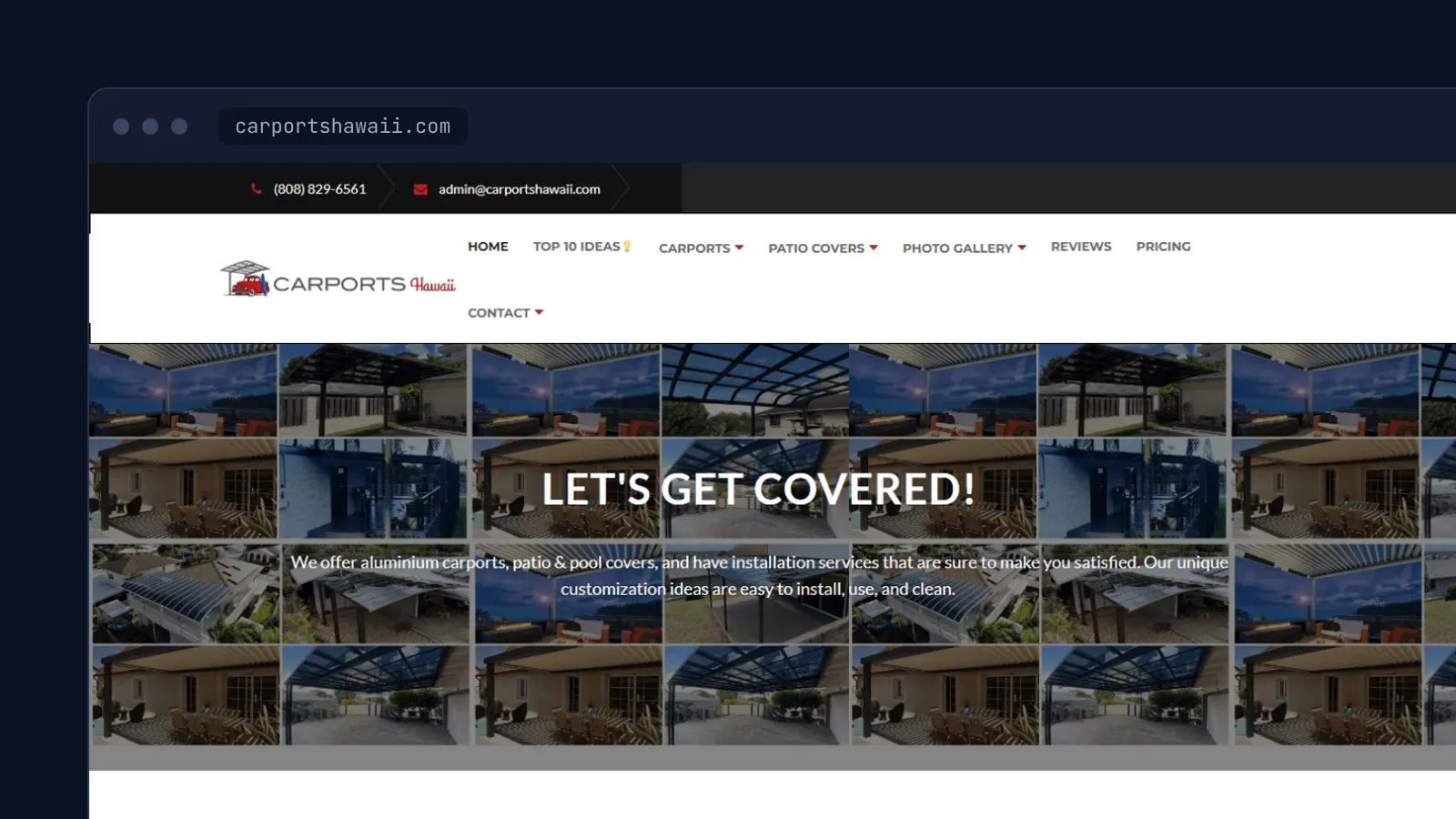
ON THIS PAGE · 8 SECTIONS
Picture a homeowner on their phone at 10 pm, wondering what a carport would cost. The website says "Call us for a free quote". It's 10 pm. They close the tab, and by morning they've found someone else.
That's the problem an instant quote form solves. I built the website for Carports Hawaii, an aluminium carport, patio cover and pergola company that serves the Hawaiian islands, and gave it an instant-quote form: enter the width and length, see the square footage and a price range. This article covers how I'd design a contractor website around that idea.
The one job of a contractor website
A contractor's website isn't a brochure. Its job is to turn a stranger into a quote request, and everything on the page either helps with that or gets in the way. That makes the plan simple:
- Say what you do and where, in one line, above the fold.
- Show proof: photos of finished jobs, reviews, licence details.
- Make asking for a price effortless, at any hour.
Why an instant quote works
Price is the first question everyone has and the last thing most contractor sites answer. Visitors assume the worst when a price is hidden. An instant estimate does three useful things at once:
- It answers the question right away, so the visitor stays on the page.
- It filters out people whose budget is far off, which saves the sales team wasted site visits.
- It gets the visitor to take a small action, entering two numbers, which makes the next step easier.
Someone who has just seen that their carport falls inside their budget is far more likely to fill in their name and phone number than someone who has seen nothing.
Designing the quote form
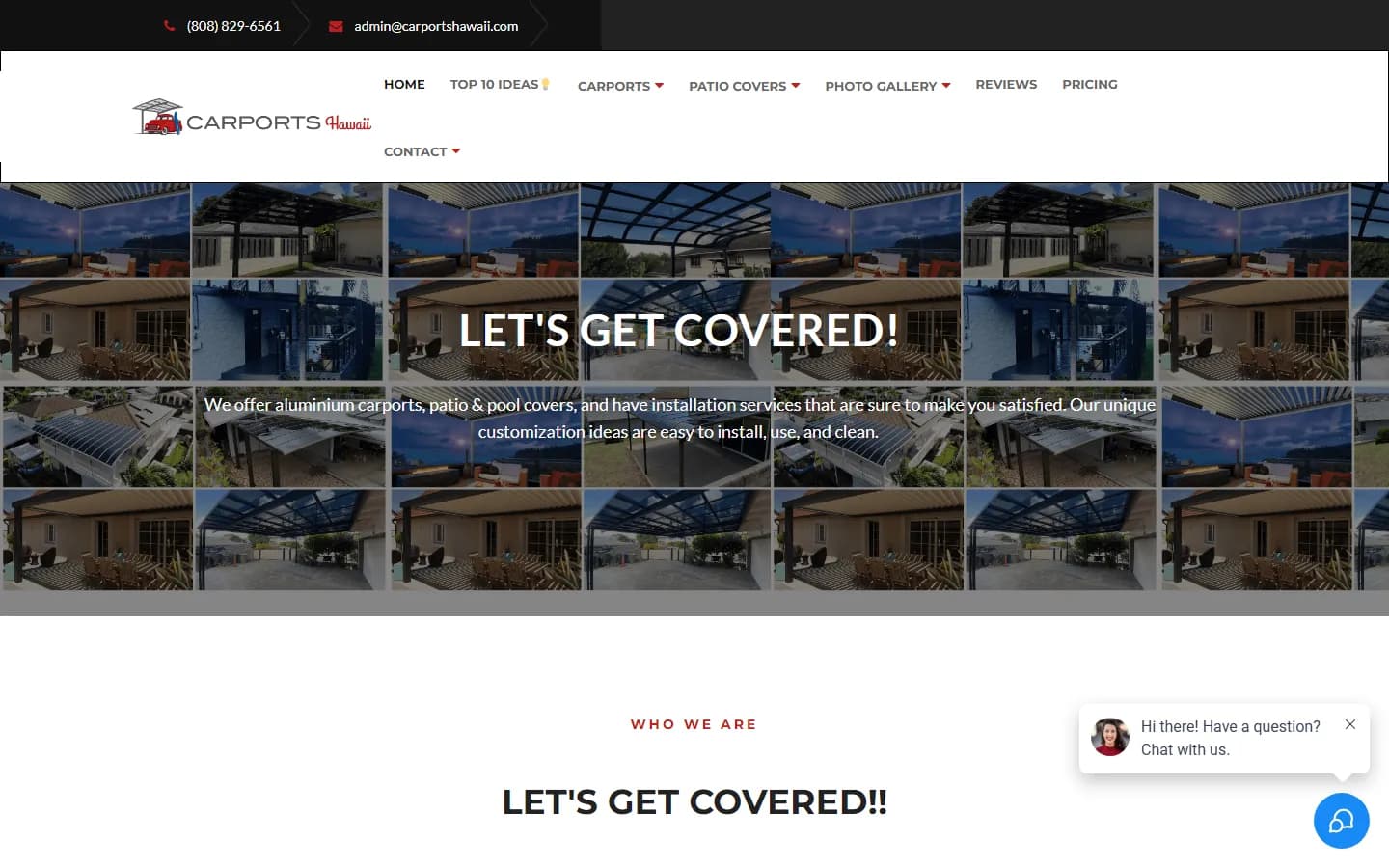
The original Carports Hawaii form was four boxes in a single row: width and length to fill in, then the square footage and a price range worked out from them. A few principles make a form like that work:
- Ask for measurements before contact details. Give the estimate first. Asking for an email before showing anything feels like a trap.
- Use the words customers use. "Width" and "length" in feet, not "span" and "projection".
- Calculate as they type. Square footage should appear the moment both numbers are in, with no button to press.
- Place it high on the page. On Carports Hawaii it sat directly under the headline. Don't make people hunt for it.
- Make it work with a thumb. Numeric keyboards on phones, big tap targets, and labels that stay visible while typing.
Show a range, not a promise
Contractors worry, reasonably, that a website price becomes a promise. The answer is a range plus a clear next step. The live Carports Hawaii site does this well today: its cost estimator gives a low and high figure per square foot, which differs by island, and says the final price is set after a free site inspection.
That pattern is worth copying:
- Show a low and a high estimate, not one number.
- Adjust for the factors that really change price, such as location or material, and nothing more.
- State what the final price depends on, in one sentence.
- Offer the next step right there: book a free inspection or request an exact quote.
Put trust next to the form
The moment before someone submits their phone number is the moment they wonder whether you're legitimate. Put the proof right beside the form, not on a separate About page:
- Licence number and years in business.
- Your Google review rating and count, linked to the reviews.
- Three or four photos of real installations, ideally local ones.
- Warranty terms in one line.
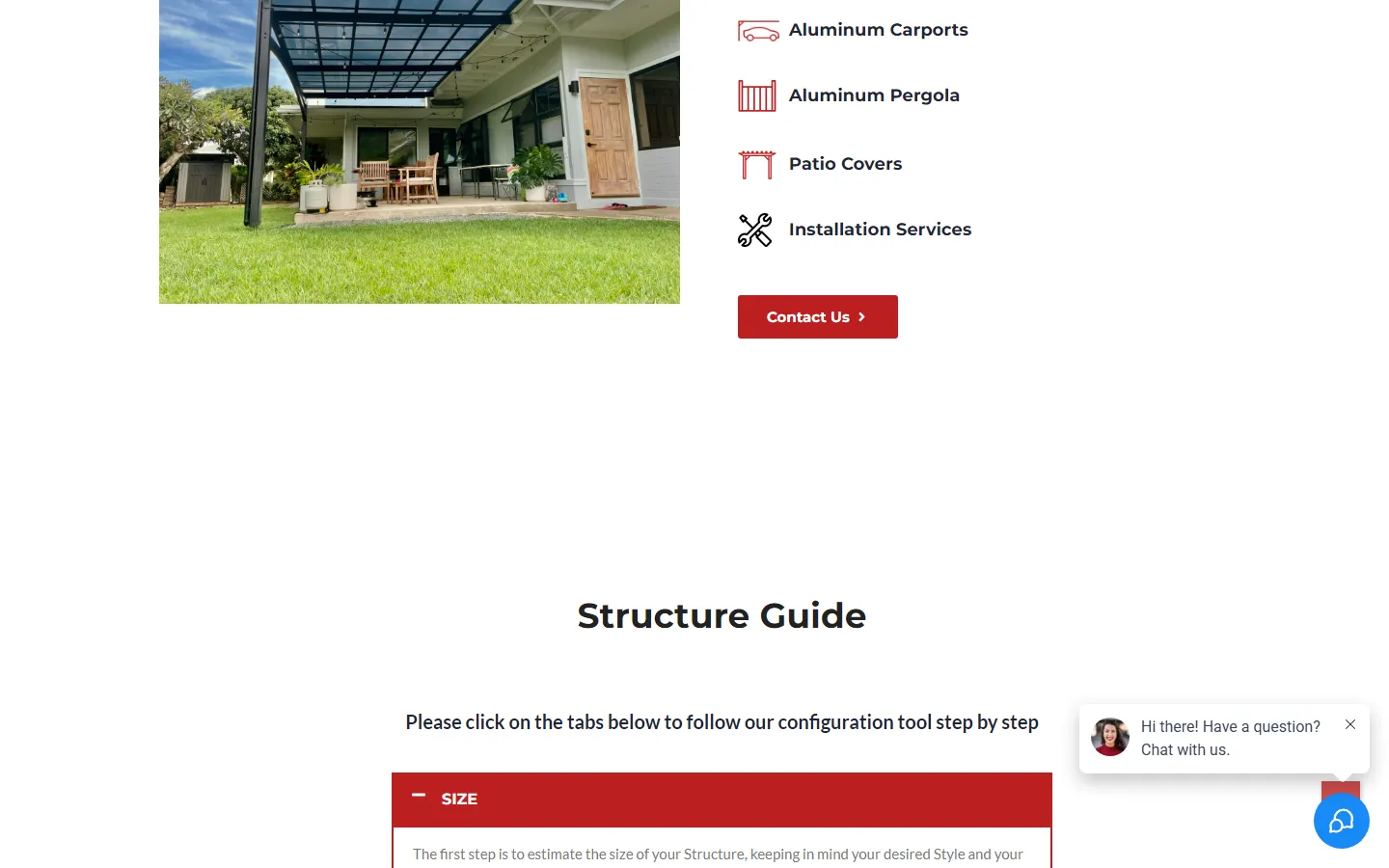
Carports Hawaii backs this up with a full photo gallery of finished installations. For a visual product like a carport, the gallery is often the most visited page after the home page.
Service-area pages for local search
Contractors win most of their search traffic from local searches like "carport installation Maui". A single page that lists every area you serve rarely ranks for any of them. Give each real service area its own page with:
- The area in the title, heading and URL.
- Real local details: jobs completed there, local permit or weather considerations, a local photo.
- The same quote form, so a visitor who lands there can act straight away.
Avoid copying one page and swapping the place name. Google treats near-identical pages as one, and visitors notice too. Pair the pages with a complete Google Business Profile, and ask every happy customer for a review. For a deeper look at the technical side, see my technical SEO checklist.
Building it in WordPress
Carports Hawaii runs on WordPress, which suits most contractors: the team can add gallery photos and edit pages without a developer. For the quote form itself there are two routes:
- A form plugin with calculated fields. Fine for simple rules such as area multiplied by a rate. Quick to build and easy for the owner to adjust.
- A small custom script. Better when pricing depends on several factors, such as location, size bands and add-ons, or when you want the estimate to update instantly as people type.
Either way, keep the rates somewhere the owner can change them. Material costs move, and a form that quotes last year's prices does more harm than no form at all. This is the kind of build my WordPress development service covers, and I design the flow in Figma first when the form is complex, as part of my UI and UX design work.
Measure what the form brings in
A quote form is only worth what it produces, so measure it from day one:
- Track estimate views and form submissions as separate events in Google Analytics.
- Record where each lead came from: which page, which search, which campaign.
- Ask the sales team which leads became jobs, and compare the form against phone calls.
Then improve one thing at a time. Move the form higher, cut a field, change the button text, and watch the numbers.
You can see the live site at carportshawaii.com. If your own website gets visitors but not enquiries, tell me about it. The fix is often smaller than you'd expect.
Written by Osama Khattak
Full-stack developer at Alphinex Solutions, building Staffvertex. I take on freelance projects and I'm open to full-time remote roles. More about me
Questions about this topic
Should a contractor website show prices?
Showing a price range almost always helps. It filters out visitors who were never going to buy and gives serious buyers the confidence to ask for an exact quote.
How many fields should a quote form have?
As few as you need to give a useful estimate, usually two to four measurements or choices. Ask for contact details only after you've shown the estimate.
Can I add a quote calculator to a WordPress site?
Yes. Form plugins with calculated fields handle simple per-square-foot pricing. More complex pricing rules are better written as a small custom script.